
How to calculate the projected area and the contour of a particle?
2023-07-17WIKI
Area, in this instance, refers to the projected area of a particle. The projected area of a particle can be calculated by multiplying the number of pixels by the area of a pixel. The area of a pixel can be calculated with the help of the calibration coefficient.
The perimeter of a particle projection refers to the total length of its projected contour. The perimeter can be calculated through contour representation using curve fitting with the help of an algorithm.
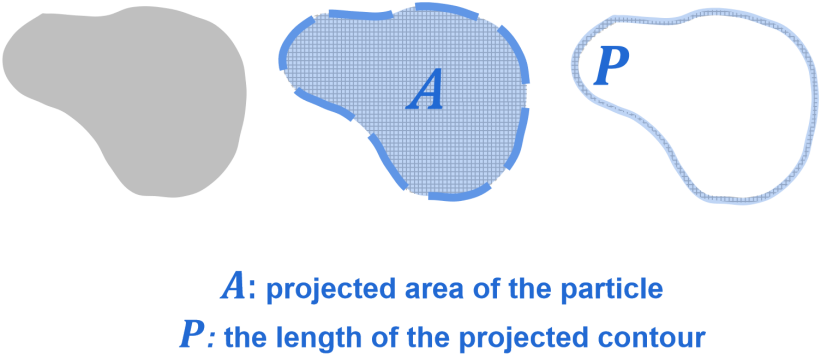
 |
Struggling to grasp particle analysis concepts? Our new Beginner's Guide to Particle Analysis is here to help you grasp these concepts in the most accessible manner possible. Download it as a PDF to read on the train, on the plane, or wherever else there’s no internet. |

Recommended articles
Rate this article
Share On


Related Particle Size Analyzer
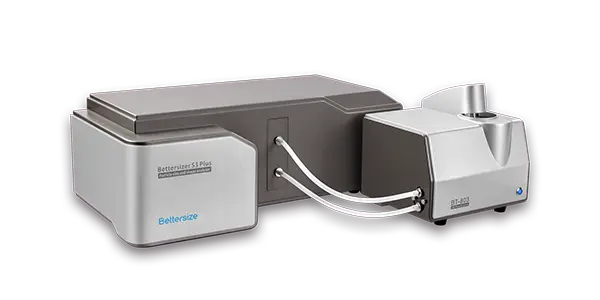
Bettersizer S3 Plus
Laser Diffraction Particle Size Analyzer
Measurement range: 0.01 - 3,500μm (Laser System)
Measurement range: 2 - 3,500μm (Image System)
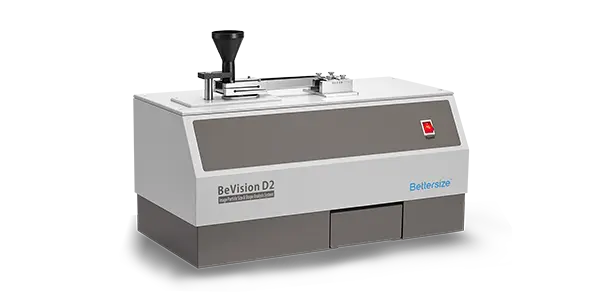
BeVision D2
Image Analyzer
Dispersion type: Dry
Measurement range: 30 - 10,000μm
Technology: Dynamic Image Analysis
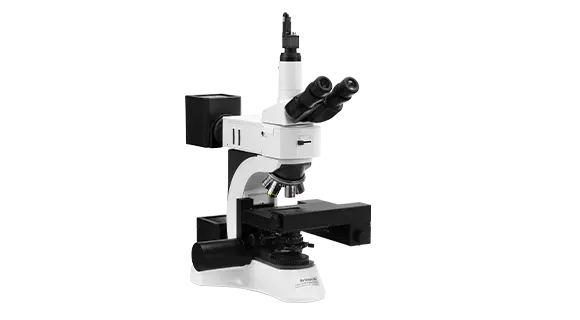
BeVision M1
Automated Static Image Analyzer
Dispersion type: Dry
Measurement range: 0.3 - 10,000 μm
Technology: Static Image Analysis
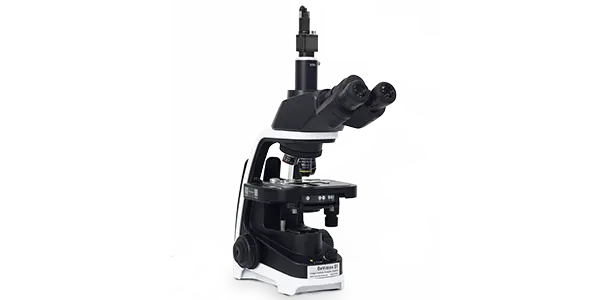
BeVision S1
Classical and Versatile Static Image Analyzer
Dispersion type: Dry & Wet
Measurement range: 0.3 - 4,500 µm
Technology: Static Image Analysis